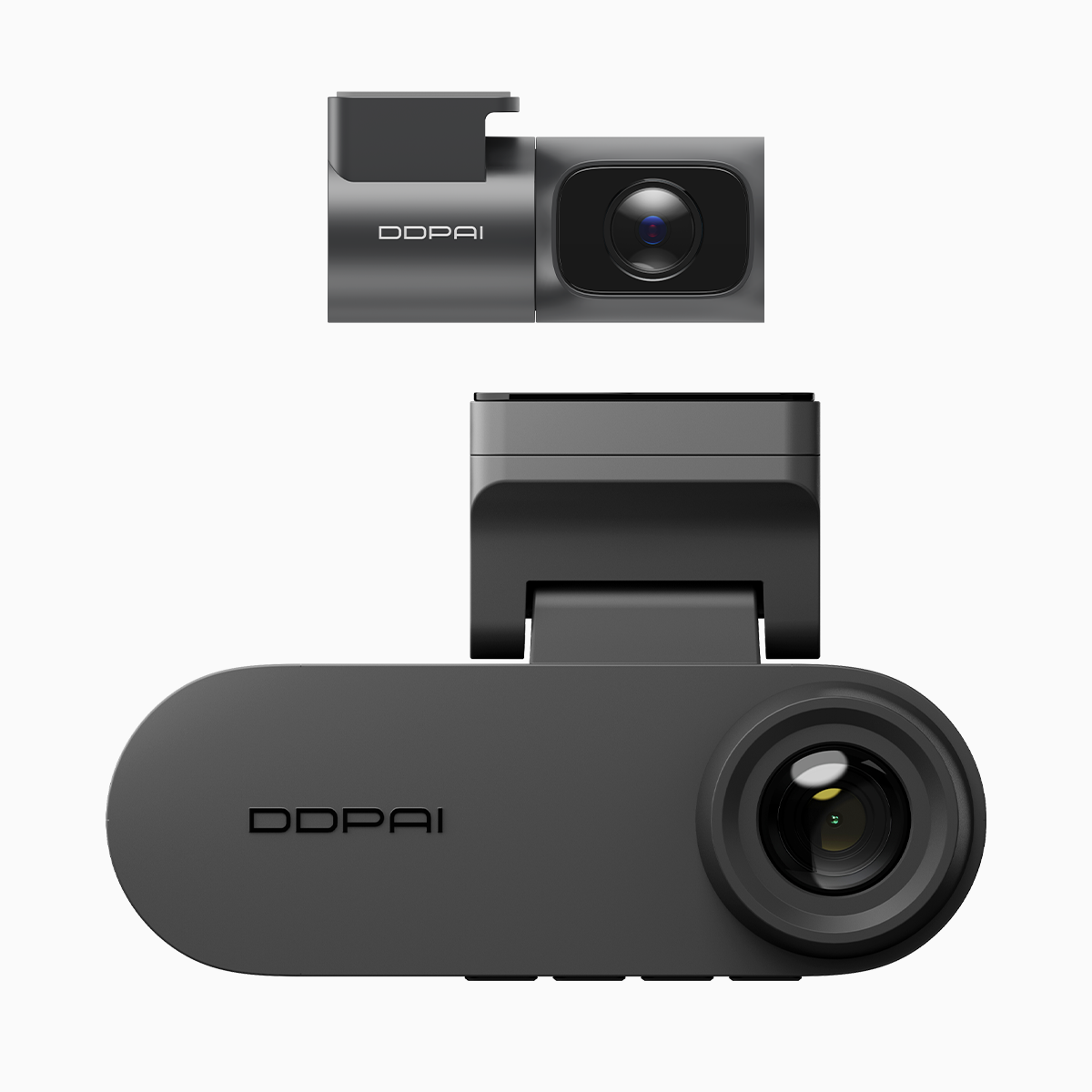
Seeing the user’s problem in low light
You’re driving home under sodium lamps and want the system that protects you to keep working through the night. Modern units promise continuous capture, but the real task is storage management — how the device records, overwrites, and preserves events without you babysitting an SD card. A practical solution is a dual dash cam with night vision that separates front and cabin streams and understands loop rules. This matters: road crashes still kill over a million people globally each year, so reliable evidence capture at night is not optional — it’s a safety baseline (WHO data).
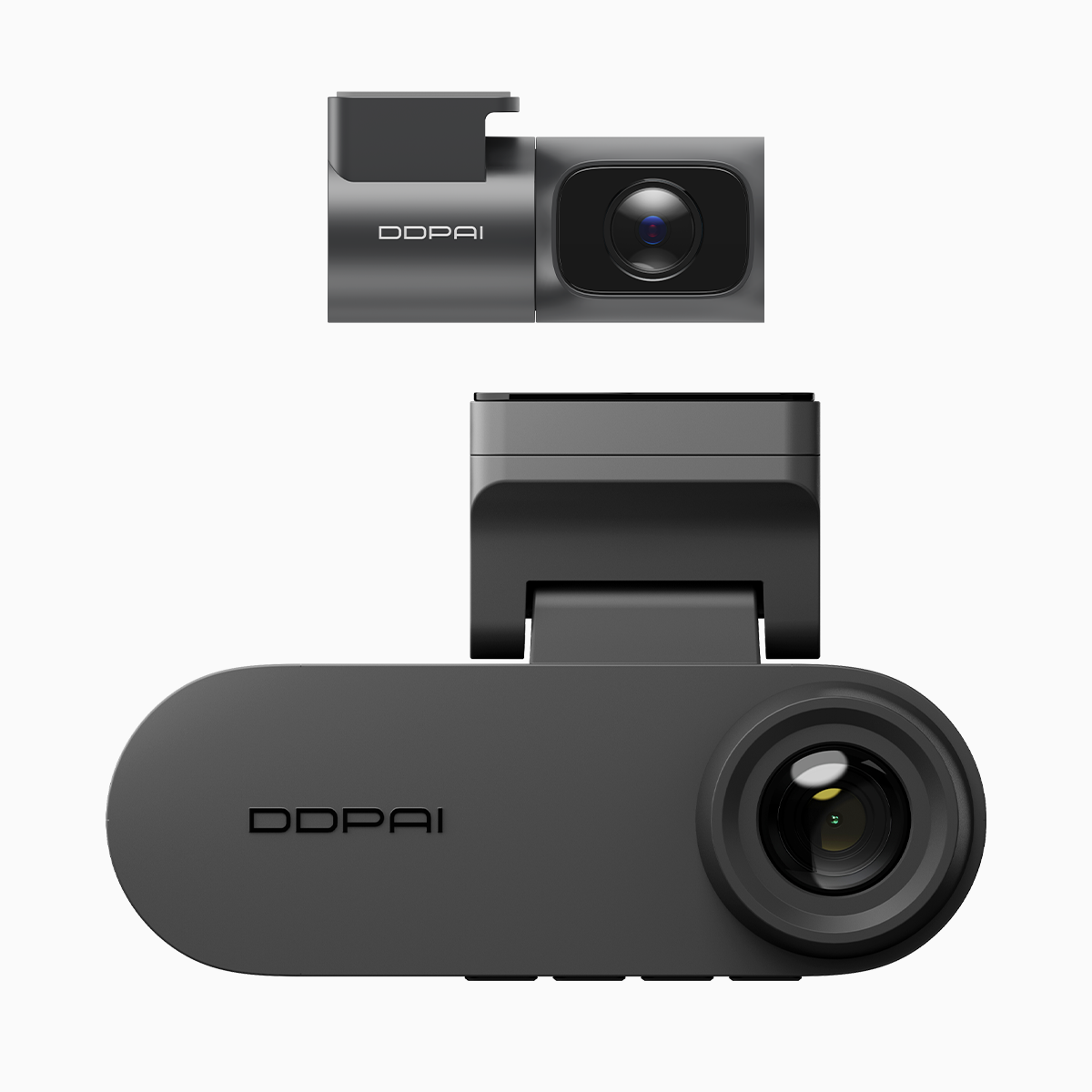
Loop recording: your car’s circular memory
Loop recording breaks video into sequential files — often 1, 3, or 5 minutes each — and overwrites the oldest when storage fills. For you that means uninterrupted coverage without manual clearing. Important terms: loop recording (the overwrite policy), bitrate (how much data each second uses), and codec (how video is compressed). Choose presets that balance file size and clarity; higher bitrate yields crisper night footage but eats space faster. The user goal is simple: keep the crucial moments intact while the routine stuff ages out automatically.
Partition allocation explained plainly
Partition allocation is how the dashcam divides the SD card: normal loop files, event-protected segments, and sometimes a parking-mode ring. Think of partitions as lanes in memory — each lane has rules. When a G-sensor detects an impact, the device moves that short clip from the loop lane into the protected lane and tags it with metadata so it won’t be overwritten. Firmware handles this handoff, and the filesystem (FAT32 or exFAT) determines maximum file size. If allocation is too conservative, you lose recording time; too generous, and you run out of protected slots — so pick a profile that matches your driving patterns.
Night vision trade-offs and practical choices
Night optimization uses higher ISO, noise suppression, and sometimes infrared. Those modes produce more data — meaning higher bitrate or lower retention. A smart unit will scale bitrate dynamically: boost during low light and throttle back in daytime to conserve space. Look for features like HDR night processing and efficient codecs (H.265) so you don’t trade clarity for quantity. If you want extended parking surveillance, consider a car dashcam with night vision that offers separate partitions for parking and driving; that separation keeps your incident clips safe without draining all storage on routine captures.

Common mistakes drivers make — and the fixes
People assume “set-and-forget” applies to storage. It doesn’t. Mistakes include: using low-quality cards, not formatting the card in-camera, ignoring firmware updates, and selecting the wrong filesystem for long recordings. Use an automotive-grade microSD rated A1/A2 or V30+, format it in the dashcam, and verify partition sizes if the unit offers customization. Also—backups. Relying solely on local loop files is risky; periodic transfers to a phone or cloud keep evidence intact after theft or card failure.
Alternatives and when to pick them
Single-camera units save money but miss angles; cloud-enabled models give off-site redundancy but increase subscription costs and power draw. For urban drivers who park on the street, a model with dedicated parking partition and motion-triggered time-lapse is ideal. For rideshare drivers, a dual-channel system with simultaneous front and cabin streams and robust event-locking is better. Evaluate based on three needs: field of view coverage, evidence integrity (protected partitions, G-sensor reliability), and night clarity (IR or low-light sensor). Minor trade-offs are inevitable — choose the one that solves your primary risk.
Three golden rules for selecting and configuring your dashcam
1) Prioritize event protection: choose a unit with reliable G-sensor locking and configurable partition allocation so critical clips are never overwritten. 2) Match bitrate to storage: pick codecs and bitrate profiles that keep night footage legible without exhausting card capacity. 3) Use the right media and maintain firmware: automotive-grade SD cards, in-camera formatting, and periodic firmware updates prevent corruption and expand features. These three metrics predict real-world resilience and ensure your system behaves when it matters most. For practical deployment and localized support, DDPAI Philippines fits naturally into a setup that values sustained night performance — a steady, engineered solution for nocturnal roads.
—