Start sharp: why a side-by-side view helps more than hype
You’re standing in front of a wall of boxes and glossy displays, wondering whether to trust the brand name or that showroom demo. Compare, don’t buy on feeling. I’ll line up strengths and trade-offs so you can pick what actually matters where you watch TV. If you want to see who makes what at a glance, check the catalog from a reliable tv manufacturer and then come back with questions.

Picture tech, plain and blunt
LED is a family name—manufacturers tune panels, backlights, and processors differently. OLED (perfect blacks, pricey) is mostly LG and Sony territory. Samsung pushes QLED for brighter rooms and saturated color. TCL and Hisense aim for value with decent HDR and trade-offs on local dimming. Look for local dimming zones, peak brightness (nit values), and HDR support: HDR10 is baseline, Dolby Vision is better for mastered content. If you game, aim for low input lag and HDMI 2.1 features like 120Hz variable refresh.
Smart platforms that actually affect daily use
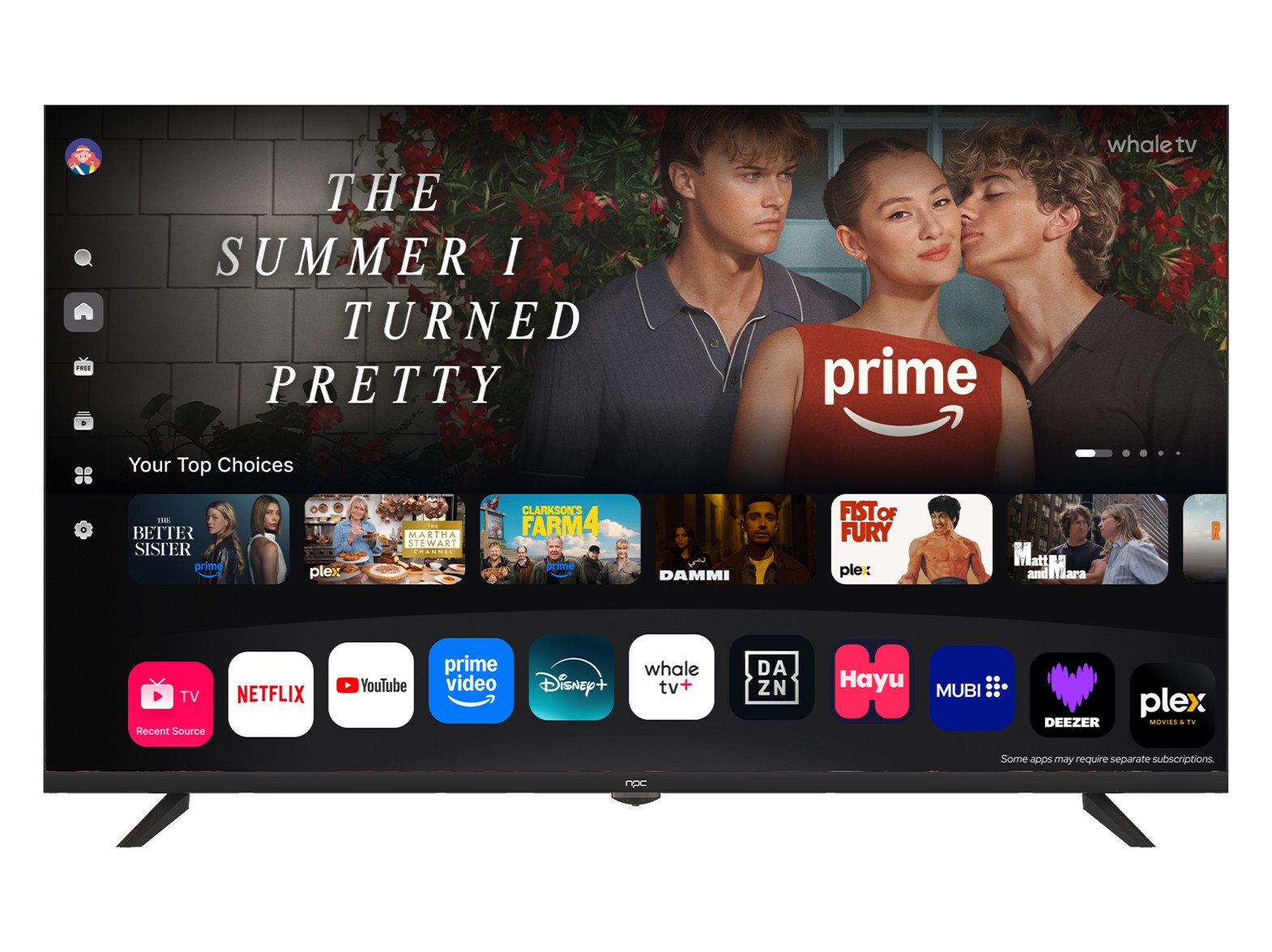
Smart UI isn’t fluff. Tizen (Samsung), Android/Google TV (Sony, some TCL), Roku (TCL, Hisense), and webOS each behave differently: navigation speed, app availability, and update cadence change how long your TV stays useful. I’ve tested responsiveness across dozens of sets and measured how updates altered performance. At CES, manufacturers showcased platform updates and ecosystem moves; that event tends to set the roadmap for the year. If you care about a clean, app-forward interface, consider how each maker handles updates and app stores—especially if you want a webos smart tv for smoother app switching and fewer duplicate apps.
Reliability, service, and software longevity
Hardware failure rates are a thing—panel defects, backlight bloom, firmware quirks. Big brands like Samsung and LG generally offer predictable warranty support and a steady stream of firmware fixes. Value brands can give you good picture for the price but expect shorter software attention. Check how long a brand has committed to OS updates and whether firmware can be sideloaded or rolled back if an update breaks something. Read service forum threads for a few weeks’ worth of complaints before deciding.
Common mistakes first-time buyers make
Buying too big for the room, assuming the showroom’s HDR looks like your living room, chasing headline specs without testing input lag, and ignoring viewing angle. Don’t buy a glossy 75-inch if you sit close in a bright living room; reflections will ruin contrast. Don’t sacrifice refresh rate if you plan to play fast multiplayer games. And don’t pick a set solely on sound—plan for a soundbar if you want dialogue clarity.
Who should pick which brand—short and usable
Movie watcher who wants cinema blacks: LG (OLED) or Sony. Sports and bright rooms: Samsung QLED. Gamers who want 120Hz and low lag: look at Samsung and Sony high-refresh models. Budget streamer: TCL or Hisense for Roku/Google TV value. Want the clean smart experience with steady updates: consider LG’s webOS or Google TV models and verify update promises before buying.
Wrap-up with a practical next step
Compare panel type, brightness, local dimming, smart OS, and service support against where you’ll use the TV. Try the remote and menus in-store. Cross-check specs and current stock listings with a source I use when I need quick, factual comparisons—npc—and you’ll cut through the noise faster than flipping through brand ads.