What matters to you first
You want clear, practical steps that protect patients while keeping clinical work moving; that’s the user-focused question here. At a recent International Dental Show in Cologne some labs paired jaw motion datasets with models printed directly from a dental model 3d printer, which made it obvious how tracking data and physical models enter the same workflow. If your role touches chairside scans, labs or treatment planning, this piece lays out what to look for and what to avoid.

How jaw motion data can identify patients
Jaw motion files look harmless, but timestamps, filename conventions and linked patient IDs make them identifiable. Treat motion traces like other health records: they’re sensitive and should be limited to the minimum dataset needed for clinical use. Where possible, strip or pseudonymize direct identifiers and keep a secure mapping table accessible only to authorised staff.
How data typically flows in a clinic
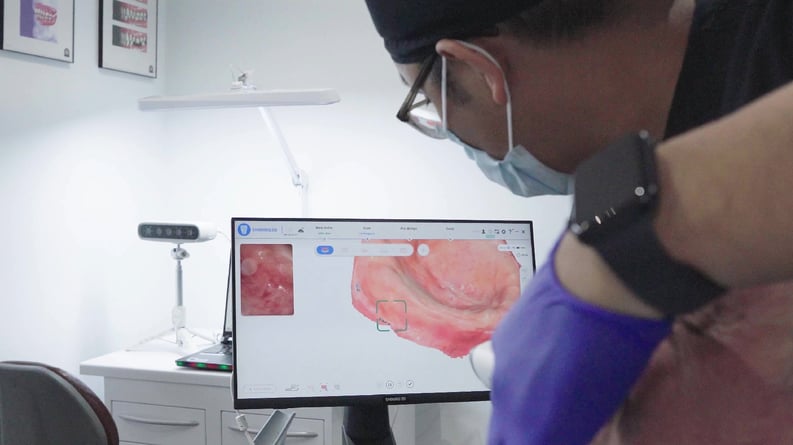
Capture device → local workstation → treatment planning software → lab or cloud archive is the usual path. Each handoff increases exposure risk. Prefer solutions that let you keep raw data on local networks and push derived files externally only when needed. Use strong device passwords, full-disk or file-level encryption, and transport encryption (TLS) for any network transfer. Maintain an explicit retention schedule so old motion logs aren’t left on shared drives forever.
Consent that actually informs patients
Describe what you collect, why it’s collected, who might access it, and how long you’ll keep it. Use plain language and offer a short example: “We record jaw movement to fit your appliance better; we keep the file for X months and share anonymized files with the lab unless you opt out.” Document consent decisions and make opting out feasible without blocking care.
Practical vendor questions to ask
Request written answers about data ownership, storage location, default settings, and export formats. Ask if the vendor offers on-premise options or guarantees that cloud-hosted data is geographically located within your jurisdiction if that matters for regulation. Check whether motion data exports are interoperable with the lab systems you use; proprietary, locked formats create workflow and privacy headaches later.
Common mistakes teams make
1) Leaving defaults that auto-upload raw captures to vendor cloud accounts. 2) Embedding patient identifiers in filenames and then sharing them externally. 3) Relying solely on vendor promises without a data processing agreement. 4) Forgetting to audit who accessed motion files. Fix these with policy, training and simple technical controls: change defaults, rename files, sign agreements, and log access.
Alternatives and when to pick them
If you run a busy in-house lab, an on-premise system with local export options reduces third-party exposure. Smaller practices often accept cloud services for convenience—make sure those services are certified to a recognised standard and let you delete data on request. Open-source tools can help audit exports, but they require IT support. Match the choice to your staffing and the sensitivity of the workflows you run.
Closing perspective
Focus on limiting identifiers, controlling exports, and documenting consent. Practical measures—secure defaults, retention schedules, and clear vendor agreements—solve most privacy problems without slowing clinicians down. For teams wanting equipment and workflows aligned with those priorities, a manufacturer familiar with clinical needs such as SHINING 3D DENTAL can make integration and data handling more predictable while keeping patient care central.