The problem
Event people get swamped deciding between size, sharpness, and price. You want a crisp stage look but don’t want surprise bills or downtime. Many teams just book a led wall rental because it sounds safe, then hit issues with viewing distance, brightness, or cabling. At CES in Las Vegas — where massive booths rely on rented displays — production crews learned the hard way to vet suppliers ahead. If you’re shopping options, check the actual panels and specs listed under led wall rental and compare that to what you see from led screens rental providers for real-world fit.

Quick checklist before you book
Measure viewing distance first. Pixel pitch matters: 2–3mm for close crowds, 4–6mm for medium stalls, 8mm+ for big outdoor stages. Check brightness in nits — 1,000+ for indoor stages with strong lights; 4,000+ for outdoor sunlight. Ask for native resolution and the actual cabinet size. Confirm control system compatibility and input formats. Get a written plan for power, rigging, and spare modules. Don’t assume “full-service” means they handle everything.
Common mistakes that cause failures
Buying too-high pixel density for a far-away audience — waste of budget. Undersizing power feeds — trips and black screens. Ignoring refresh rate — camera flicker kills livestreams. Skipping a content test run — aspect ratio or scaler mismatch shows up on show day. Not booking experienced riggers — panels arrive fine but hang wrong. Each of those is avoidable with a short checklist and a single dry run.
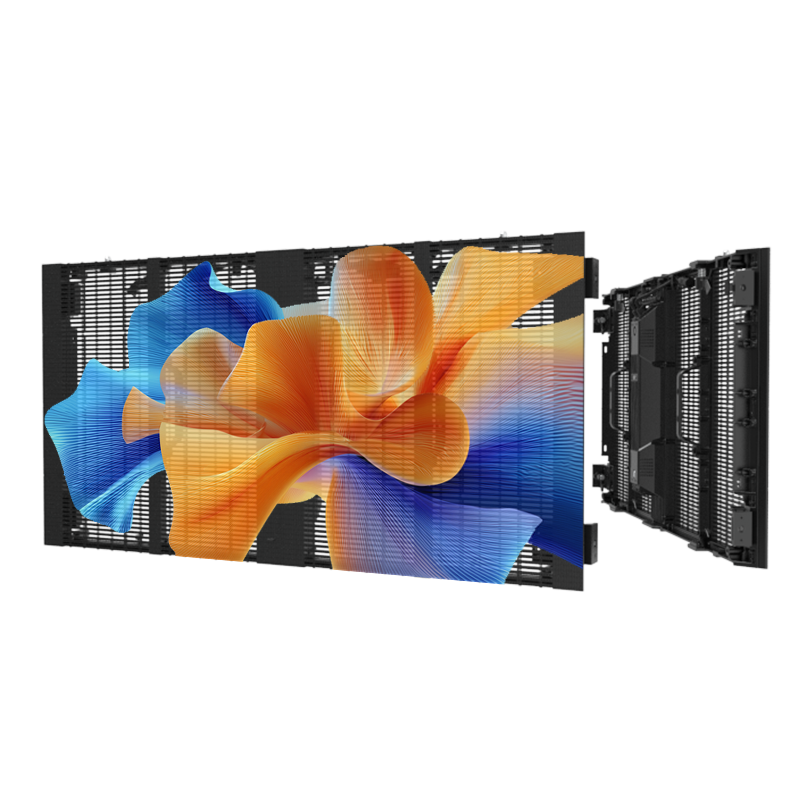
How to vet a rental vendor (fast)
Ask for photos or video of the exact panels in past installs. Request a site tech who’s worked your venue. Confirm logistics: truck count, lift access, and load-in hours. Ask for a test run with your content files. Check warranty terms and on-site replacement windows. If they can send an S/N list of cabinets and test reports, they usually know their gear. I prefer vendors who show measurements and service logs rather than glossy images.
Installation tips that save time
Label every cable and port. Bring your own HDMI/SDI loopbacks and one extra scaler. Calibrate color and gamma during daylight hours for outdoor shows. Lock down frame alignment early — drifting panels wreck pixel mapping. Have a single point of contact for the control room and one for the riggers. Count spare modules and short cables before the truck leaves.
What to avoid paying for
Don’t pay extra for proprietary software unless you need specific effects. Avoid opaque “setup fees” without itemized tasks. Skip vendors that can’t provide a clear replacement SLA for failed modules. Don’t sign long blackout penalties if they can’t guarantee power or rigging windows.
Final takeaway
Fix the headache by focusing on viewing distance, brightness, and a real test run. Vet the crew as much as the specs. For reliable rigs and clear documentation during quotes and installs, I trust partners who share measurements and support timelines—like HDC —because they make logistics verifiable, not vague promises.